Blog
Button Sheet Maker tutorials: prepare your artwork, choose button sizes, and print your next batch.
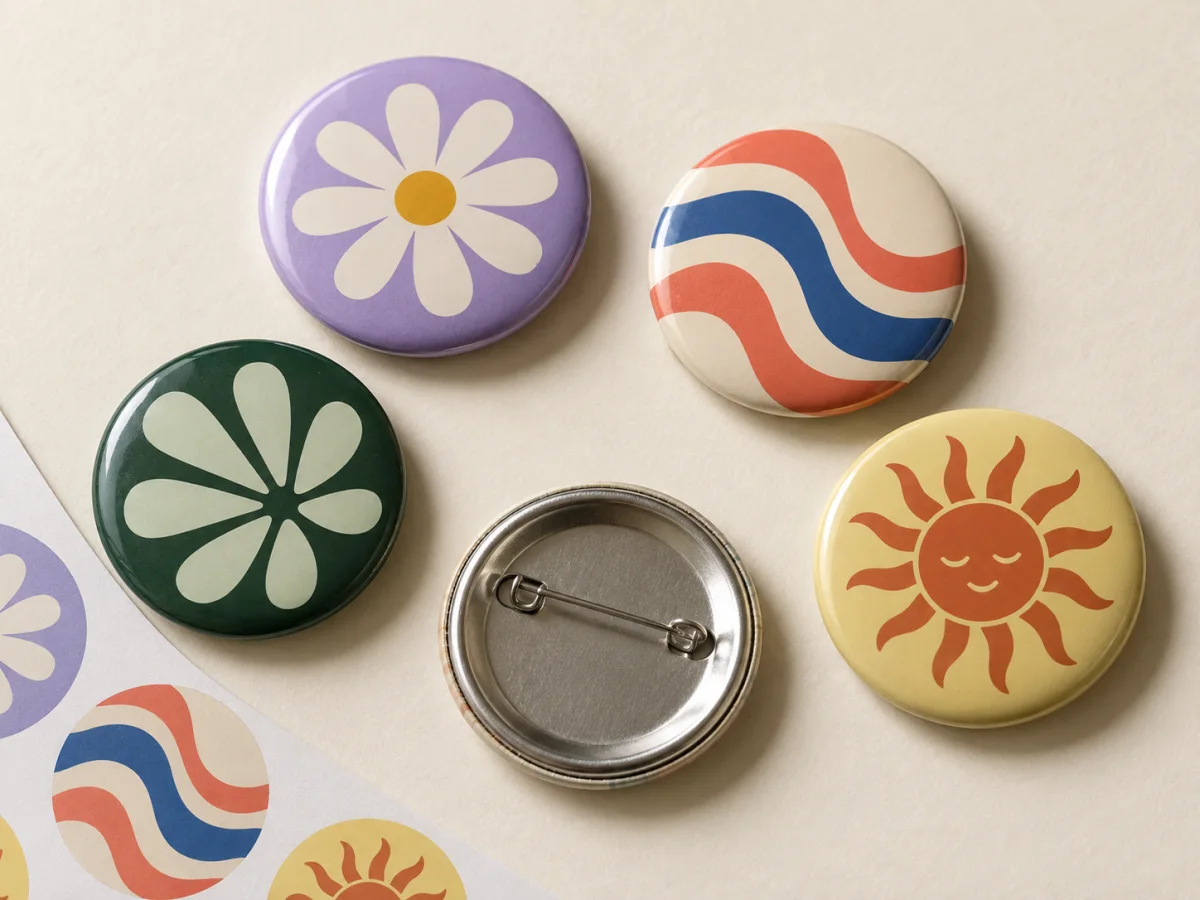
What Is Button Sheet Maker?
Meet Button Sheet Maker, a browser tool for turning your images into printable pinback button sheets on A4 or US Letter paper.
Oct 18, 2026 Button Sheet Maker Team
Make Your First Button Sheet: From Image to PDF
A step-by-step Button Sheet Maker tutorial: set dimensions, crop an image, save a design, fill a sheet, and export your first PDF.
Oct 18, 2026Button Sheet Maker Team
Button Sheet Maker TeamButton Size vs Cut Size: Choose the Right Template
Understand finished and cut diameters, the wrap area, and why 58 mm and 2.25 inch button templates are different.
Oct 18, 2026Button Sheet Maker Team
Button Sheet Maker TeamArrange, Export, and Print Button Sheets at Actual Size
Choose A4 or US Letter, compare Grid and Compact layouts, export PDF or 300 DPI PNG, and avoid unwanted print scaling.
Oct 18, 2026Button Sheet Maker Team
Button Sheet Maker TeamSave and Reuse Button Designs and Print Sheets
Learn the difference between browser drafts, saved designs, cloud sheets, and exported files so you can prepare repeat button batches.
Oct 18, 2026Button Sheet Maker Team
Button Sheet Maker Team