



Mix designs on one sheet
Select designs for individual paper positions, fill empty positions, and add pages for larger batches.
Add the artwork or photos you want to turn into button badges.
Save a design, then select positions on the paper to mix designs of the same size.
Download a PDF or high-resolution image, then print it at actual size.
Select designs for individual paper positions, fill empty positions, and add pages for larger batches.
Keep important details inside the finished face. Extend the background to the cut line to allow for wrapping.
Choose the paper size, then set margins and spacing to suit the layout.
Get a PDF with real page dimensions or 300 DPI PNGs. Multiple PNG pages download together in a ZIP.
Edit on your device. Explicit saves upload images to your private account library; exports download locally.
Choose a metric or inch size. Reference cut sizes follow the linked supplier specifications; check the machine and supplies before printing.
57.15 mm button size
Use this size58 mm button size
Use this sizeNo. You can design, arrange and preview sheets without an account. Sign in to export a sheet or save designs to the cloud. Plans and page packs are listed on the pricing page.
Editing and export run on your device. Guest designs and recovery drafts stay in this browser. When you explicitly save to your account, images and thumbnails are uploaded to your private library. Saved sheets keep independent design snapshots. Clearing site data removes local-only works.
Check the cut size supplied by the machine or die manufacturer. Button size alone does not determine the paper size. Presets use cited supplier specifications and remain editable; they are not universal machine profiles.
Select the matching paper size and print at Actual size or 100%. Turn off Fit to page. Measure a test print with a ruler before cutting or pressing a full batch.
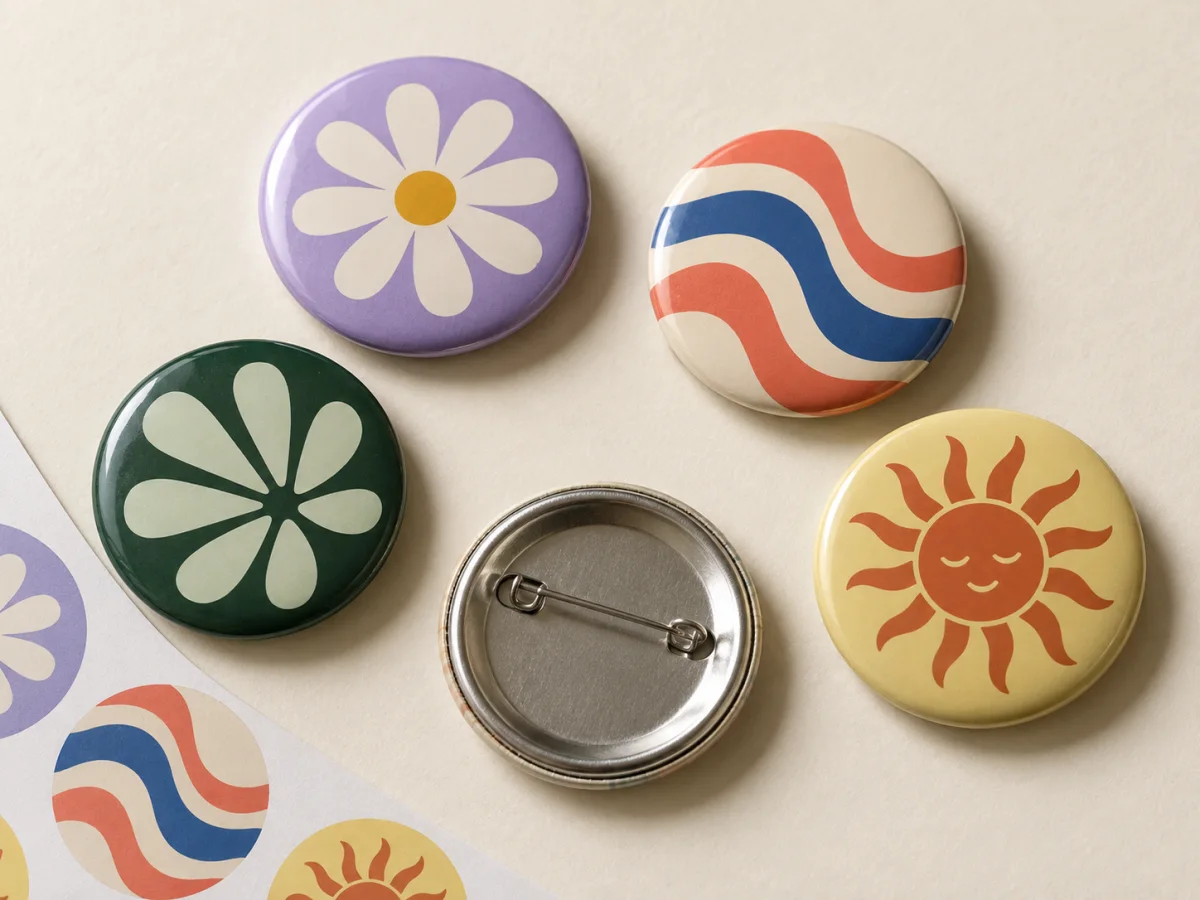
A favourite photo. A little drawing. A whole collection. Turn them into button badges.