What Is Button Sheet Maker?
 Button Sheet Maker Team
Meet Button Sheet Maker, a browser tool for turning your images into printable pinback button sheets on A4 or US Letter paper.
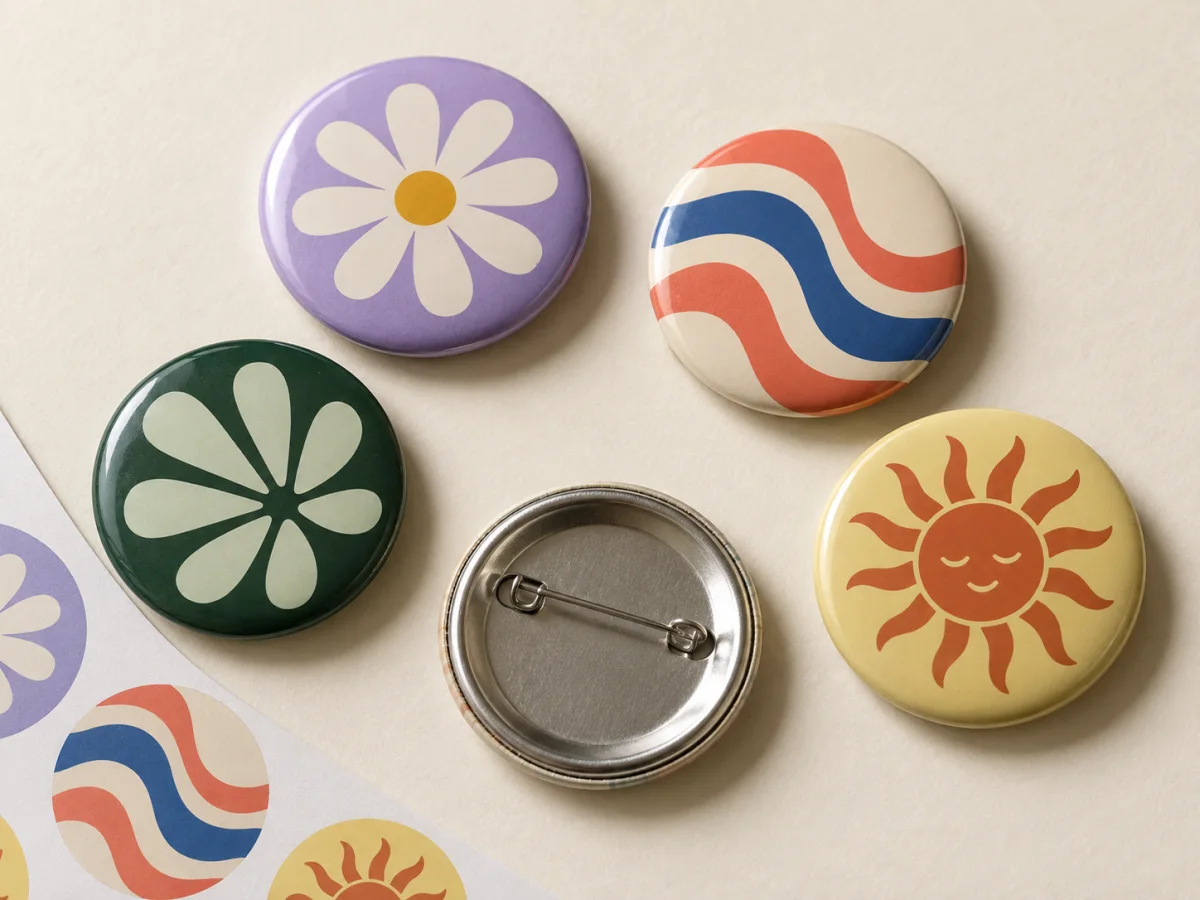
Button Sheet Maker at buttonsheetmaker.com helps you turn artwork into print sheets for round pinback buttons, also called button badges. Upload your images, adjust the crop for your button size, arrange the designs on paper, and download a PDF or high-resolution PNG.
It is useful when you have the artwork and need to prepare it for a button press: a small set of illustrated badges, event giveaways, club designs, or several variations of the same image.
From one design to a full sheet
The workspace has three areas:
- Design: work on one button design. Add image layers, move and scale them, rotate them, and adjust which image appears on top.
- Library: find saved designs, reopen them for editing, or duplicate one to make a variation.
- Arrange & export: choose designs from the library, place them on A4 or US Letter paper, and download the print file.
A design is the artwork for one button. A sheet is the arrangement of designs on paper. Keeping these separate lets you reuse one design across different batches without rebuilding it each time.
Sizes that correspond to physical buttons
The editor uses two measurements: the button size, which is the finished face diameter, and the cut size, which is the paper circle diameter. The extra paper wraps around the edge during pressing.
You can start with metric or inch presets and adjust the dimensions for your equipment. The 58 mm template and 2.25 inch template are separate starting points. Presets are supplier references; check both measurements against your press and supplies before printing.
What you can do before signing in
You can edit and arrange images without an account, and save up to five designs in the current browser. Sign in when you want to export files or save work to your account. Local designs appear in the library after sign-in, where you can choose which to save to the cloud.
Free accounts include five exports per UTC calendar month, with one page per print task. See plans and page allowances when you need larger batches or more saved designs.
What you need to bring
Prepare your artwork as PNG, JPEG, or WebP. Button Sheet Maker prepares the files, while printing, cutting, and pressing happen with your own equipment or print provider.
Start with the first-sheet tutorial, or open the designer if your artwork is ready.